Recently, I’ve changed the layout of my phone and it’s completely transformed my phone user experience, so I thought I would share some tips!
If you want your phone to work for you or you’re struggling to get things done due to a disorganized user flow, app clutter and constant distraction eating up your screen time, this post is for you!
My 2025 phone declutter
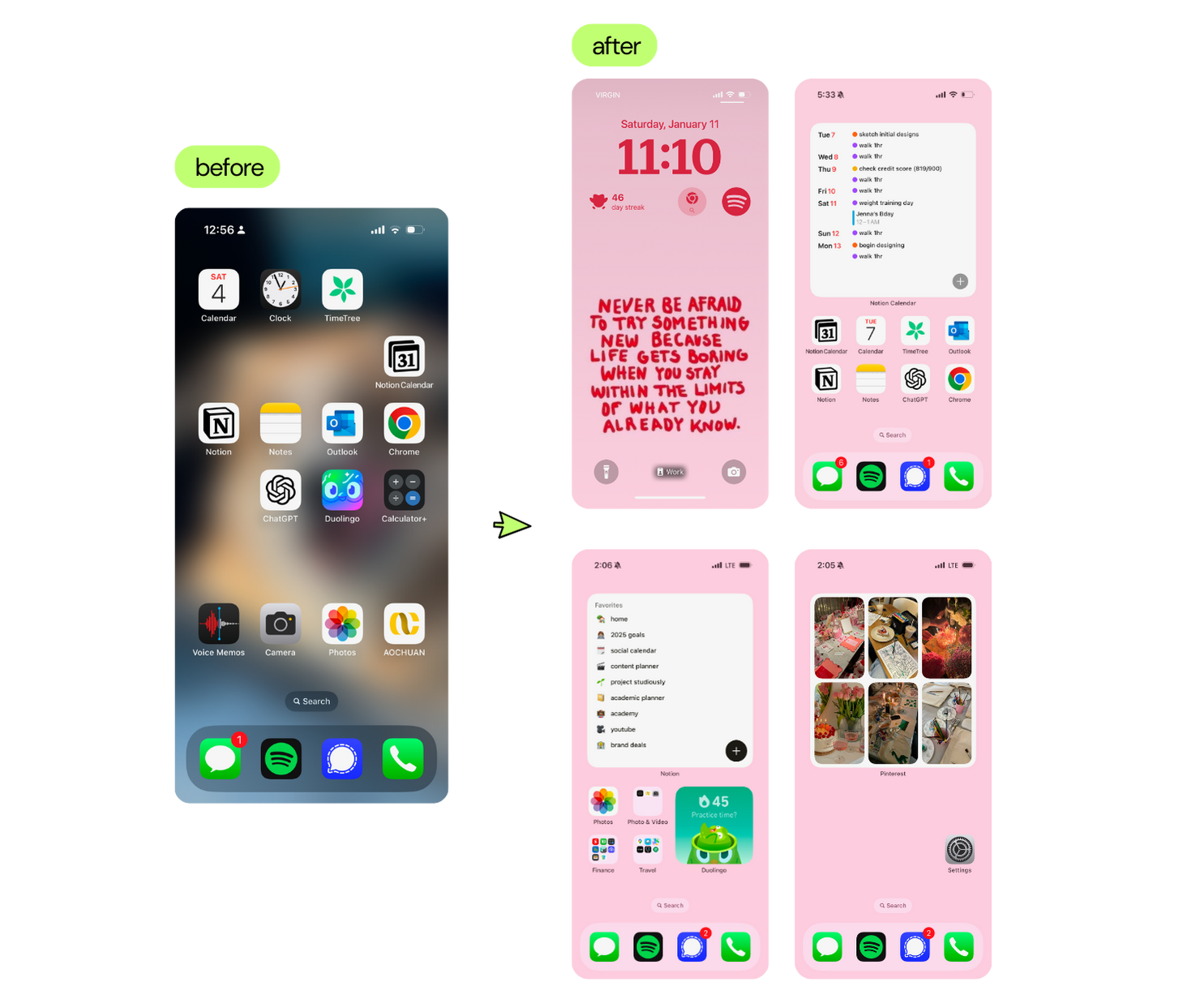
Tip 1 - Do a deep app declutter & categorize
Delete the apps you absolutely don’t need (like GarageBand…who even uses that?)
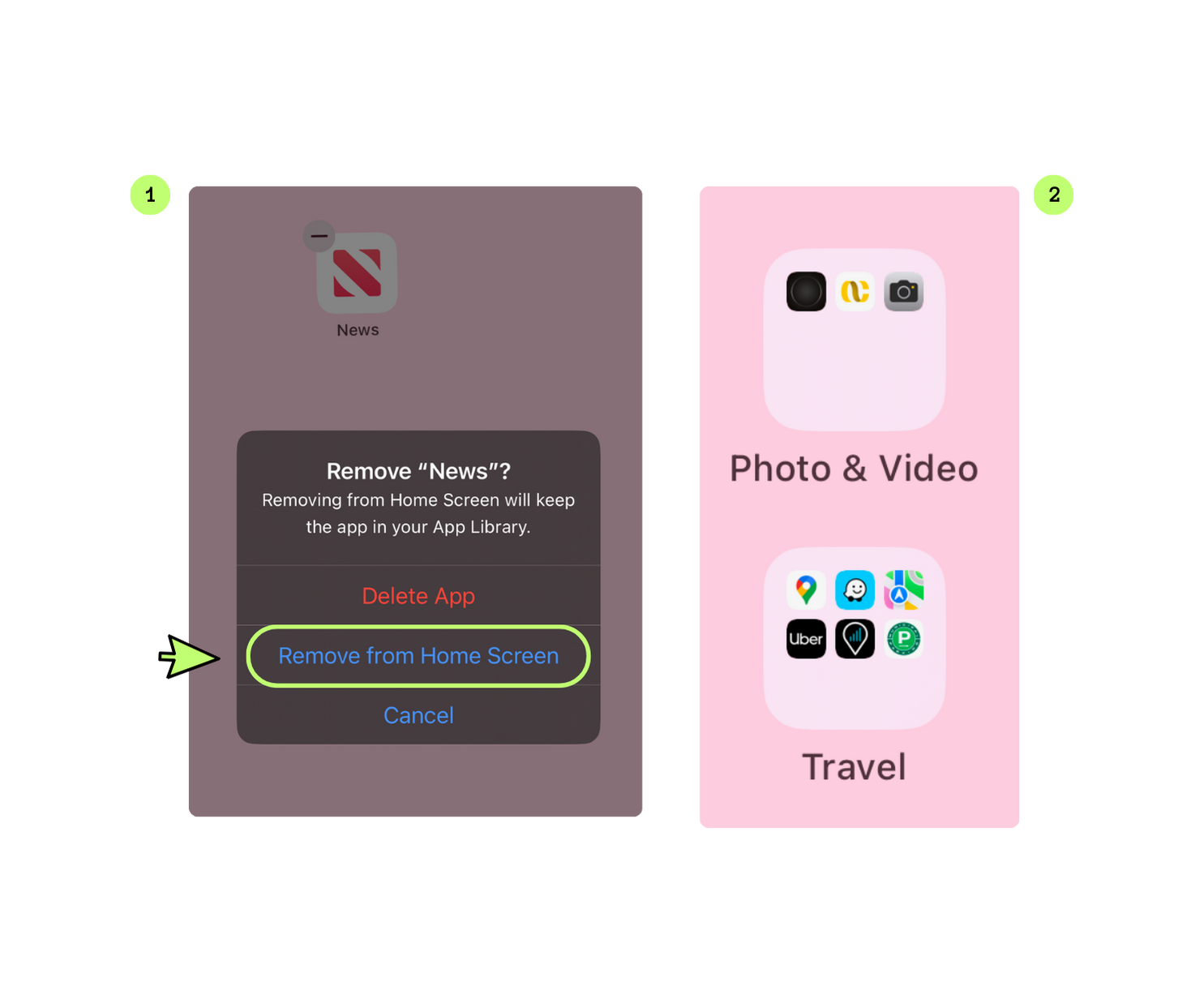
- The ones you use occasionally, just remove them from the home screen
- This decreases the amount of apps you have to see leading to less visual clutter
Categorize everything (creative, finance, entertainment, etc.)
- Your brain loves categories, so try to put similar apps into categories
Tip 2 - Minimize the amount of apps you use for planning
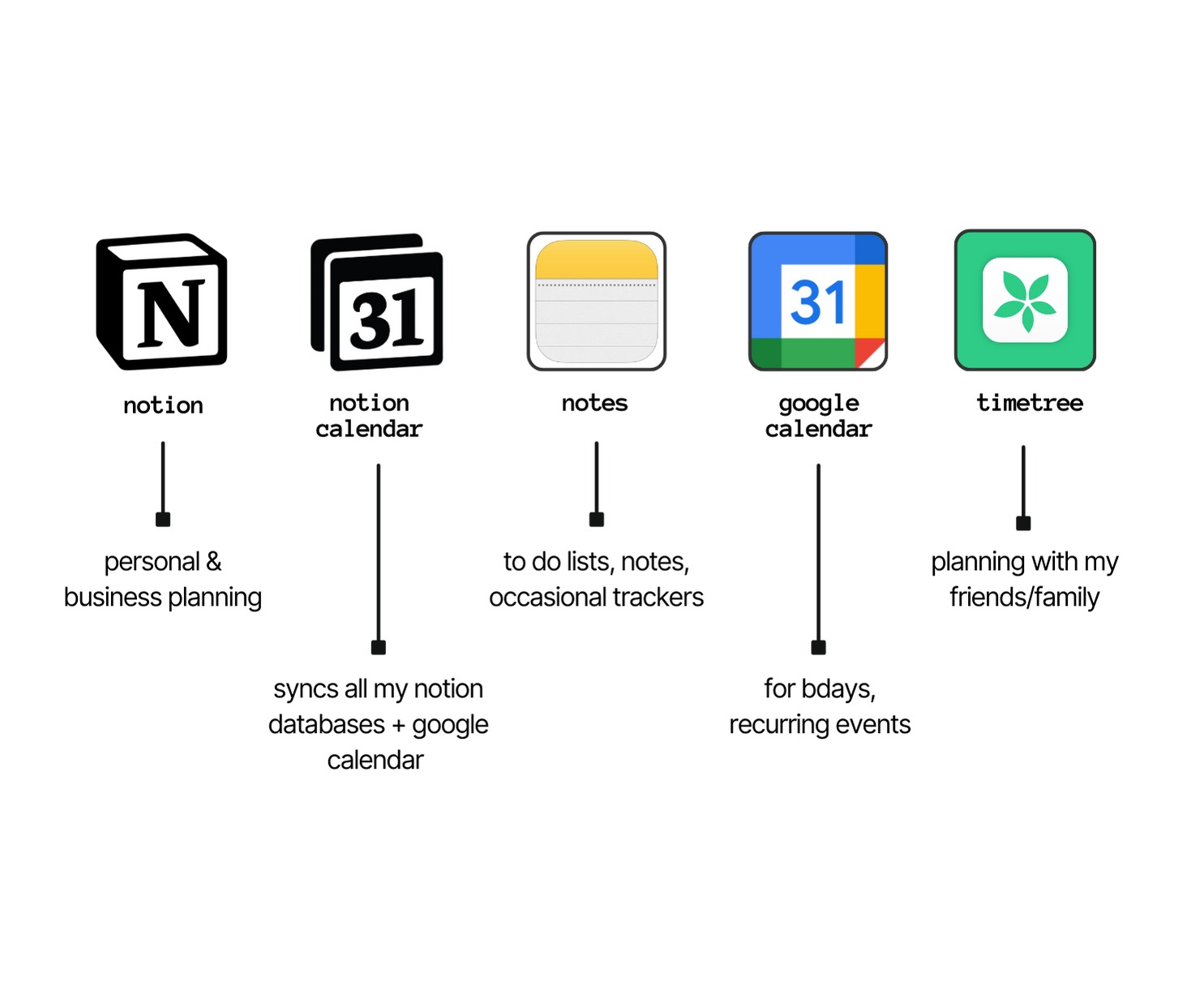
Yes, planning is a form of procrastination! so I stopped tracking things on a bunch of apps. Try as much as possible to unify your multiple calendars. Make these apps the first ones you see when you open your phone for easy access.
The main iPhone apps I use for planning:
Tip 3 - Make use of widgets
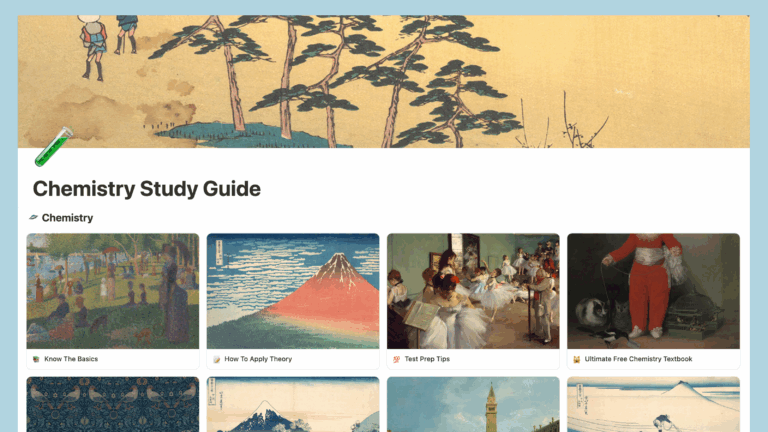
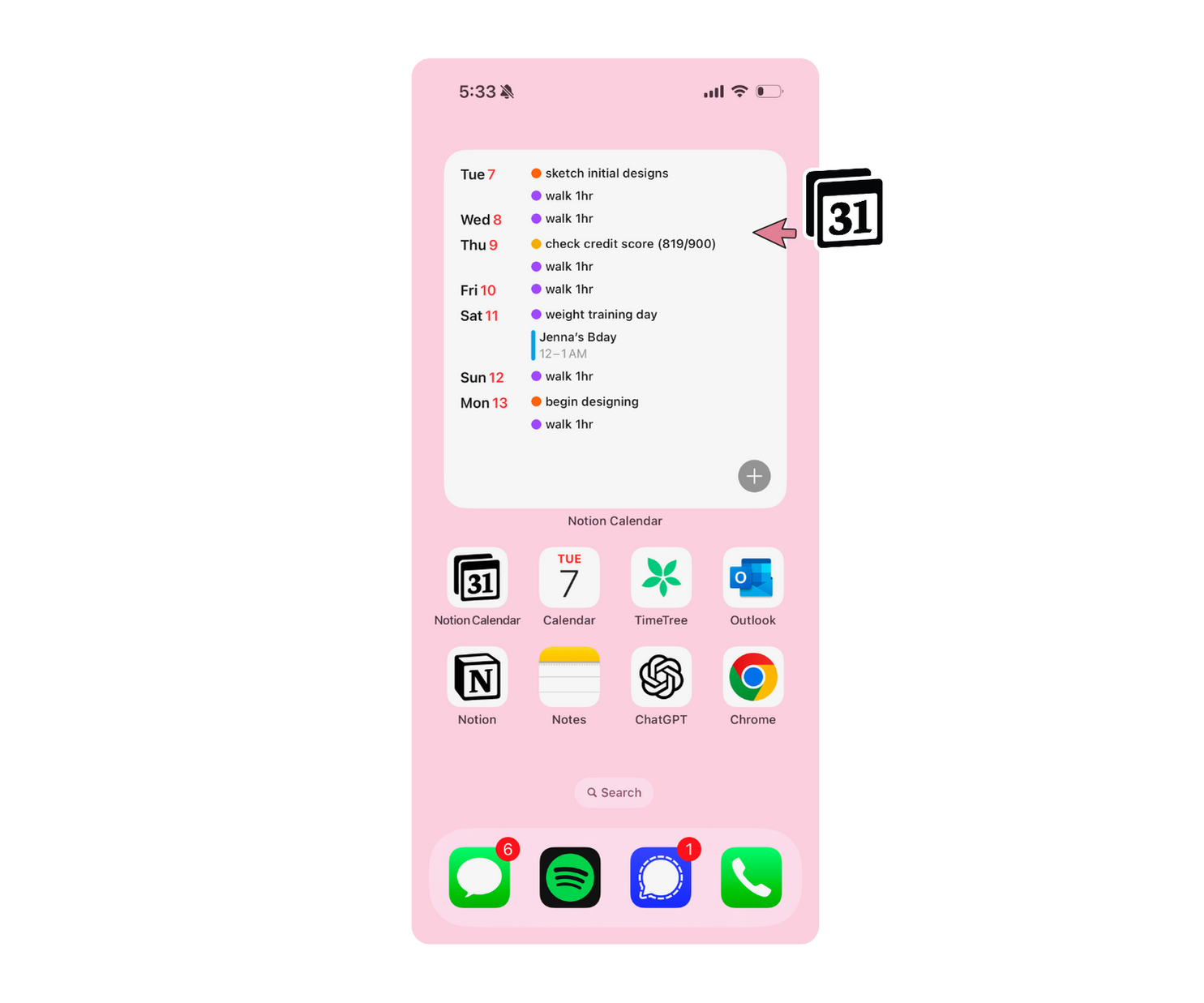
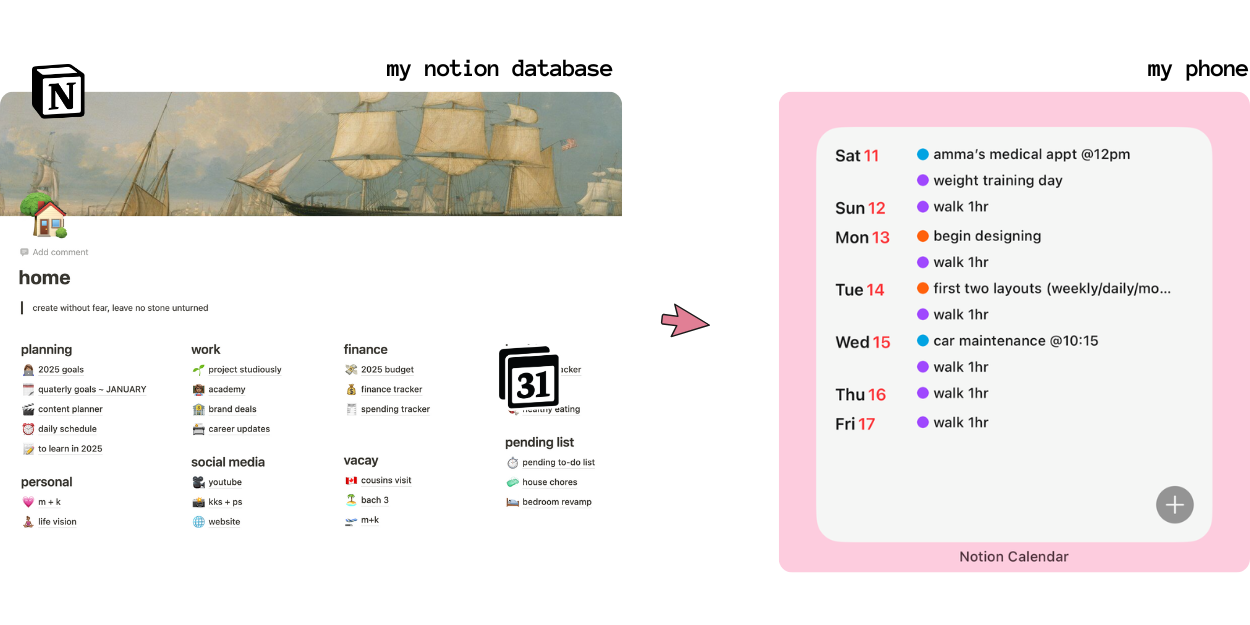
Notion calendar has a great widget collection and their large-sized widgets automatically updates what’s coming up for the week.
Pros of using the Notion Calendar widget:
You can sync your Google Calendar with this, so even if you don’t use Notion for planning, it will automatically display your upcoming commitments for the next few days.
This is incredibly helpful since as soon as I open my phone, I can see my meetings, appointments, or even birthdays without needing to open an app.
I don’t like getting reminders on my phone (just feels like another distraction/stimuli). Having automatic updates that are always visible whenever I unlock my phone works wonders for my easily distracted brain!
Notion calendar has a great widget collection and their large-sized widgets automatically updates what’s coming up for the week.
Notion also offers a widget collection that lets you quickly access specific pages by tapping on the widget, taking you directly to the desired page.
For instance, if I need to add something to my social calendar, I just need to tap on that and I’m taken there — it’s literally like a website (I love this!).
Cons of using the Notion Calendar widget:
This only works if you already have some pre-existing data or are willing to set aside time to create databases on Notion or Google Calendar to start the automation process.
I put in 2 YEARS of work into building a system that works for me on Notion to meet my personal & business needs (never too late to start!)
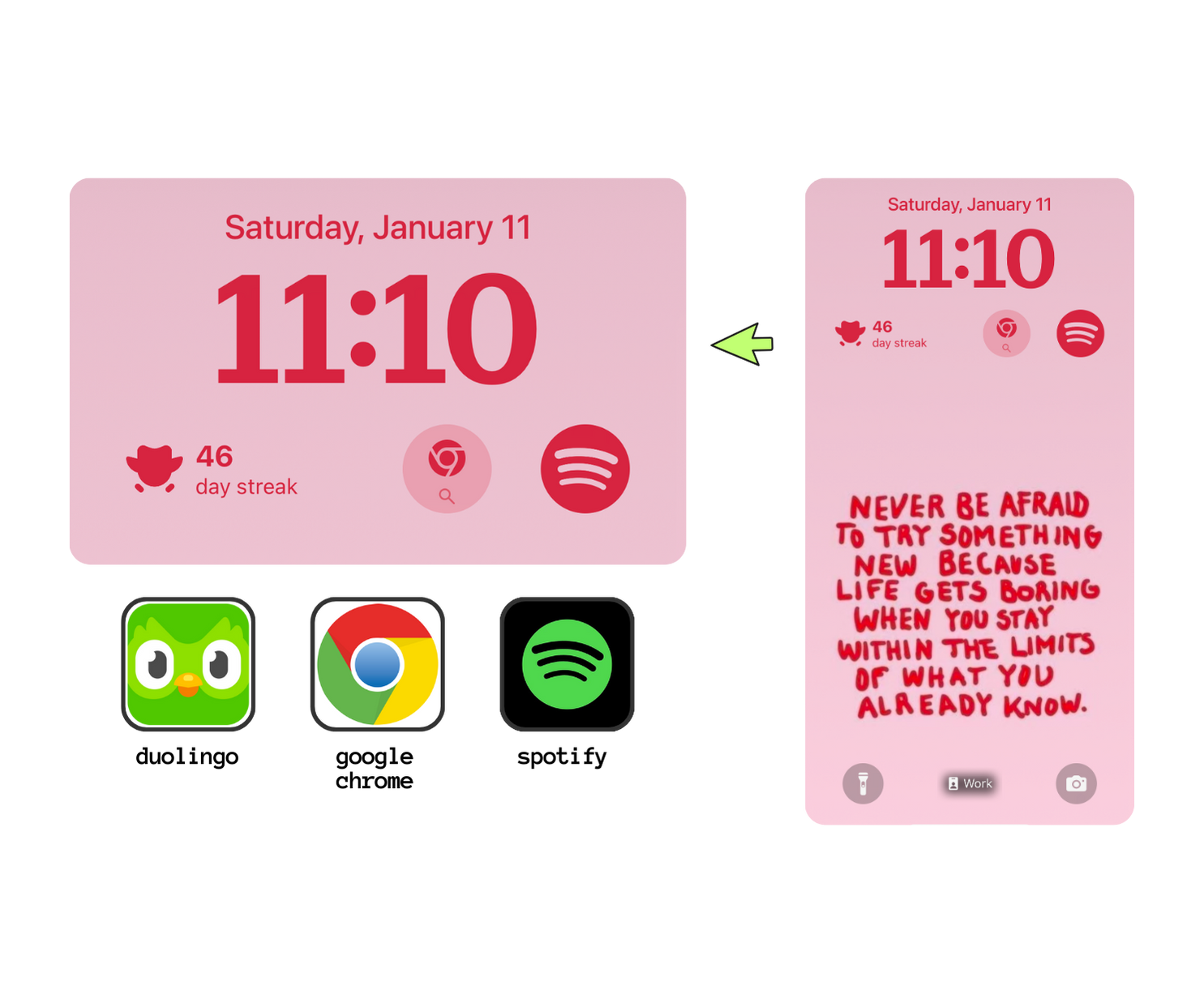
Tip 4 - Personalize your lock screen too!
Duolingo – I am learning Korean & it’s really important to me to keep up with the streak, so I make sure to have visual reminders making it easier to learn a language instead of doom scrolling.
Google Chrome + Spotify – when I’m on the go, I don’t want to be unlocking my phone to use these apps, so they are pinned on my lock screen, this reduces friction and time lag between tasks.
Tip 5 - Make distracting apps so hard to find
“Out of sight out of mind” works for me!
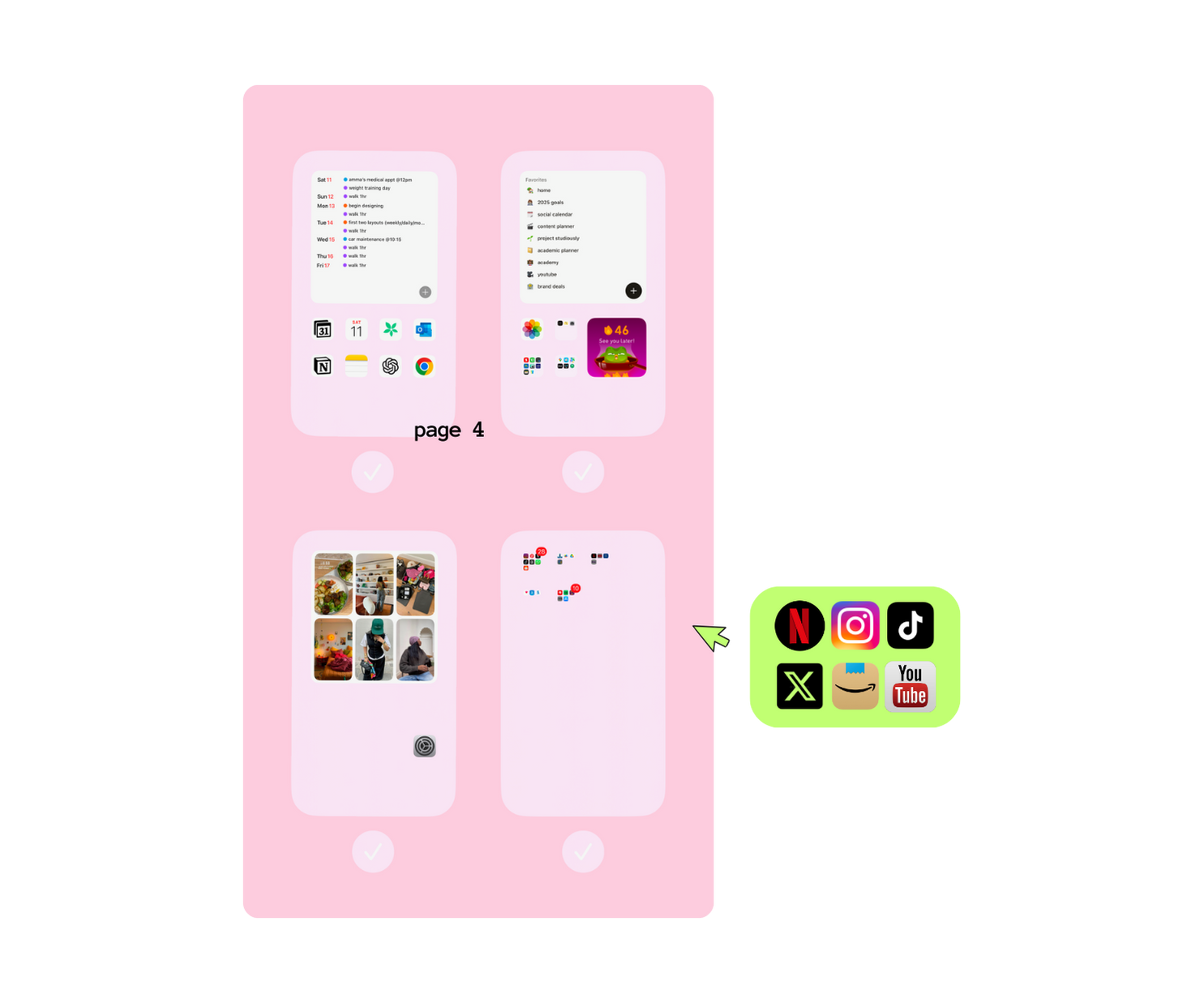
Yeah, it’s easy to delete distracting apps but let’s be real not all of us can get rid of social media, shopping & entertainment apps.
Since I have a tendency to doom scroll, I just place these apps in folders and move them far away from the first page.
I make use of the focus modes to hide these apps from the home screen during “work” and “sleep” mode.
Tip 6 - Turn off almost every f*cking notification
The only notifications allowed are phone calls and iMessages & that’s only from my emergency contacts when my phone is in work/sleep mode. I hate email notifications so they are definitely turned off.